Start with an idea.
Choose a project and space, then tell your lead what you want to build. CastSpell detects the tools you already use.
 CastSpellIN DEVELOPMENT
The visual canvas for your AI agents.
Break free from the limits of terminal-based coding: delegate real work,
follow every handoff, and bring your next idea to life.
macOS · Apple Silicon · 38 MB download · Bring your own AI
Works with the agents you already use
 Claude Code

 Codex

 opencode
 Hermes
 Gemini CLI

 Cursor
 Mistral Vibe
 Kimi

 Grok
 Amp
shop-api⌄
/Login redirect ⌄
CanvasBoard
Search… ⌘K1 needs you+ NewY
LeadWorkingClaude Code·main
Fix the login redirect and add tests
Waiting on opencode
Fix the login redirect
Editing src/auth/redirect.ts
Add tests for the login flow
Tapping "Sign in"
Update the session store
Wants to run db:migrate
Permission required12
Interactive illustration · Sample project, real workflow.
Tell your lead what you want to build. It brings in helpers, shares the work, and brings the results back to you.
Switch projects and spaces from the top bar. The canvas gives every agent, terminal, and computer room to work, with your account and settings close at hand.
One conversation starts the work. A whole canvas keeps you in the loop.
Choose a project and space, then tell your lead what you want to build. CastSpell detects the tools you already use.
Your lead brings in helpers. Tasks branch out, agents share results, and every handoff has a place.
Catch the questions and results that need you. Open the conversation, ask for a refinement, and decide what happens next.
Give your agents the room, context, and tools to get things done.
Connect remote machines over SSH. Bring Linux desktops and Android emulators onto the canvas, and watch while your agents work with them.
Give each agent its own worktree. See the diff, discuss specific lines, and bring the results back together.
Live status and notifications bring the questions and results that need your attention into view.
Make them yourself on the canvas, or let your agents make them as part of the work.
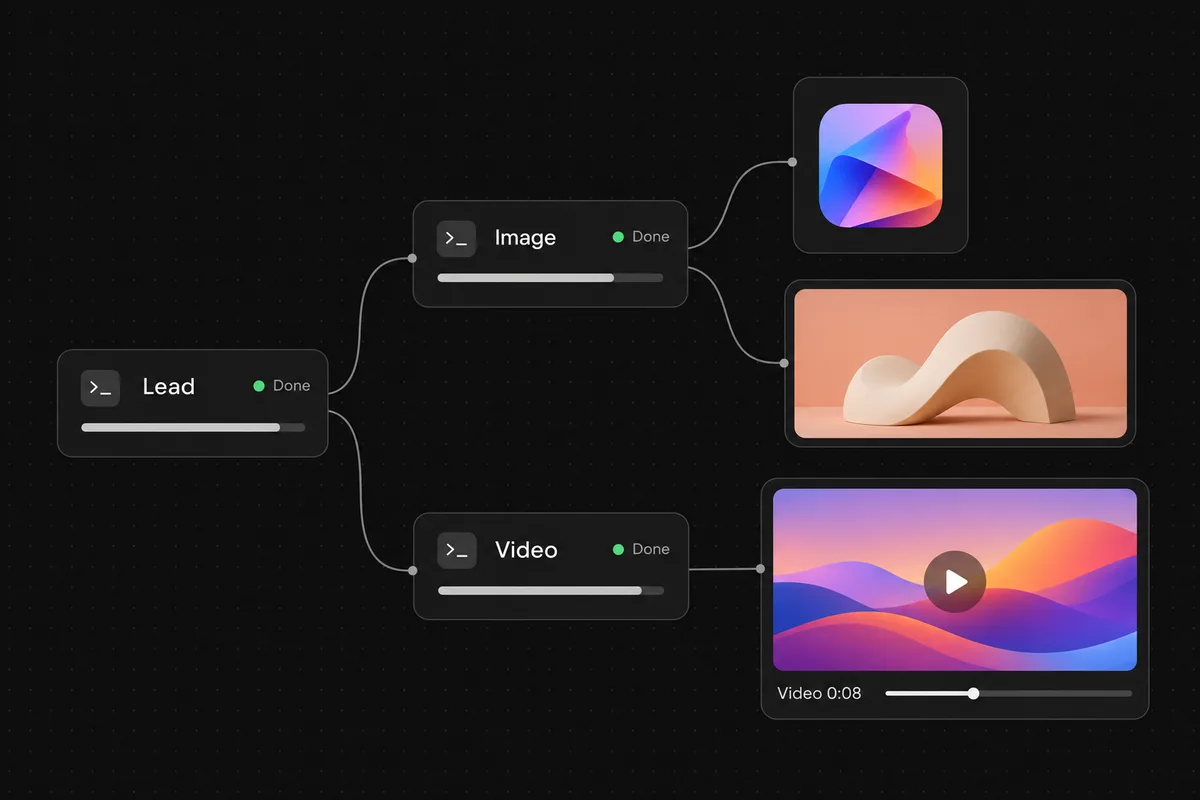
Nano Banana · GPT Image · FLUX.2 · Seedream · Kling 3 · Veo 3.1 · Seedance 2.5 · Bring your own provider key. Generation is billed by the provider, not included in Pro.
Add any machine you can reach over SSH. Its agents show up next to the ones on your Mac, and you work with them the same way.
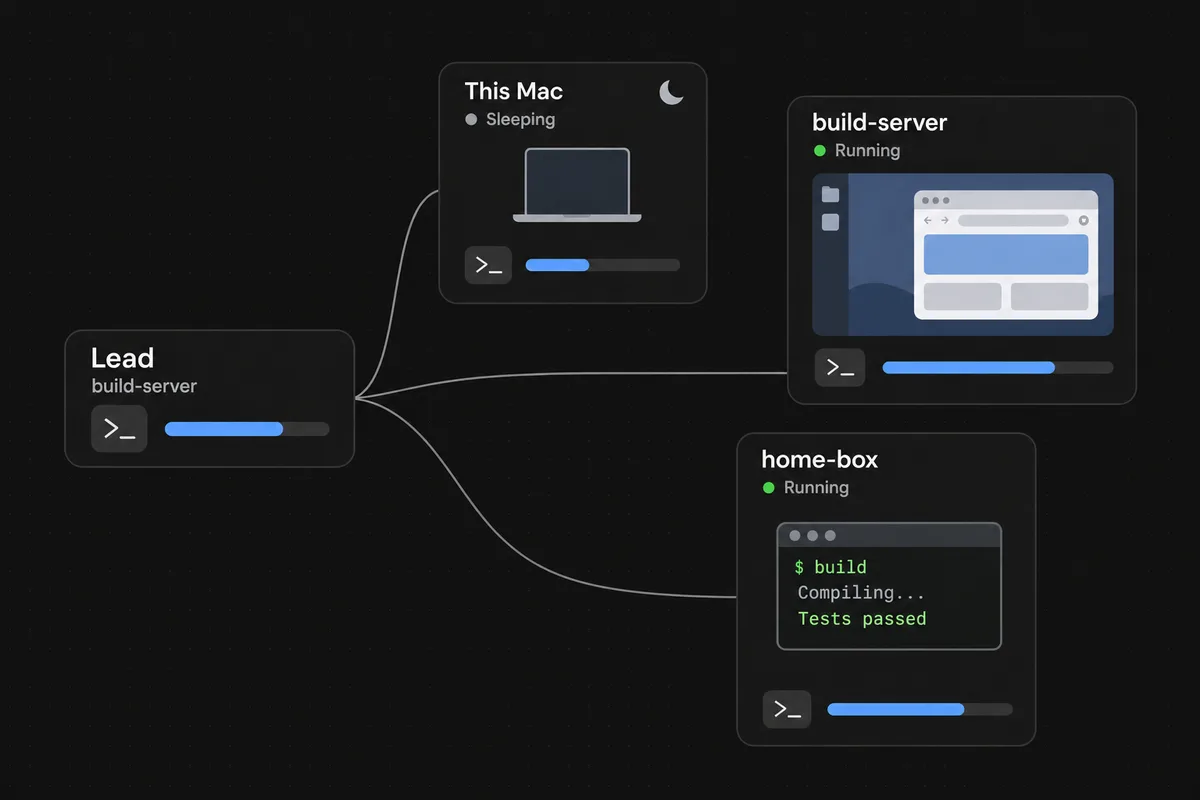
Linux and macOS servers · Cloud VMs · Your home box · Android emulators
Yes. CastSpell for Mac is free to download. It’s signed and notarized by Apple, so it opens like any other Mac app, and it updates itself in the app.
Claude Code, Codex, opencode, Hermes, Gemini CLI, Cursor, Mistral Vibe, Kimi, Grok and Amp, with your own subscriptions. CastSpell never sits between you and your model provider.
Free has every feature, including space templates, remote machines, image and video cards and usage history. It’s limited to 3 projects with up to 5 spaces each. Pro removes those limits.
No. Free works without signing in. If you buy Pro, open CastSpell, choose Sign in and use the email from your receipt; Pro turns on by itself. You can also paste your licence key in Settings → Plan instead.
Your code, conversations and files stay on your Mac or the machines you connect. An account is optional. Agents talk to their own providers directly. With Pro, the app checks your licence key with our licence server; that check carries the key, a random install ID and your Mac’s name, nothing about your work.
Not yet. CastSpell is a Mac app for Apple silicon (M1 or newer) today. Windows, Linux, iOS and Android versions are coming soon.
Your agents are ready for a better workspace.
Download for freeComing soon to Windows, Linux, iOS and Android
Take another look at the canvas